
iRoot
Tools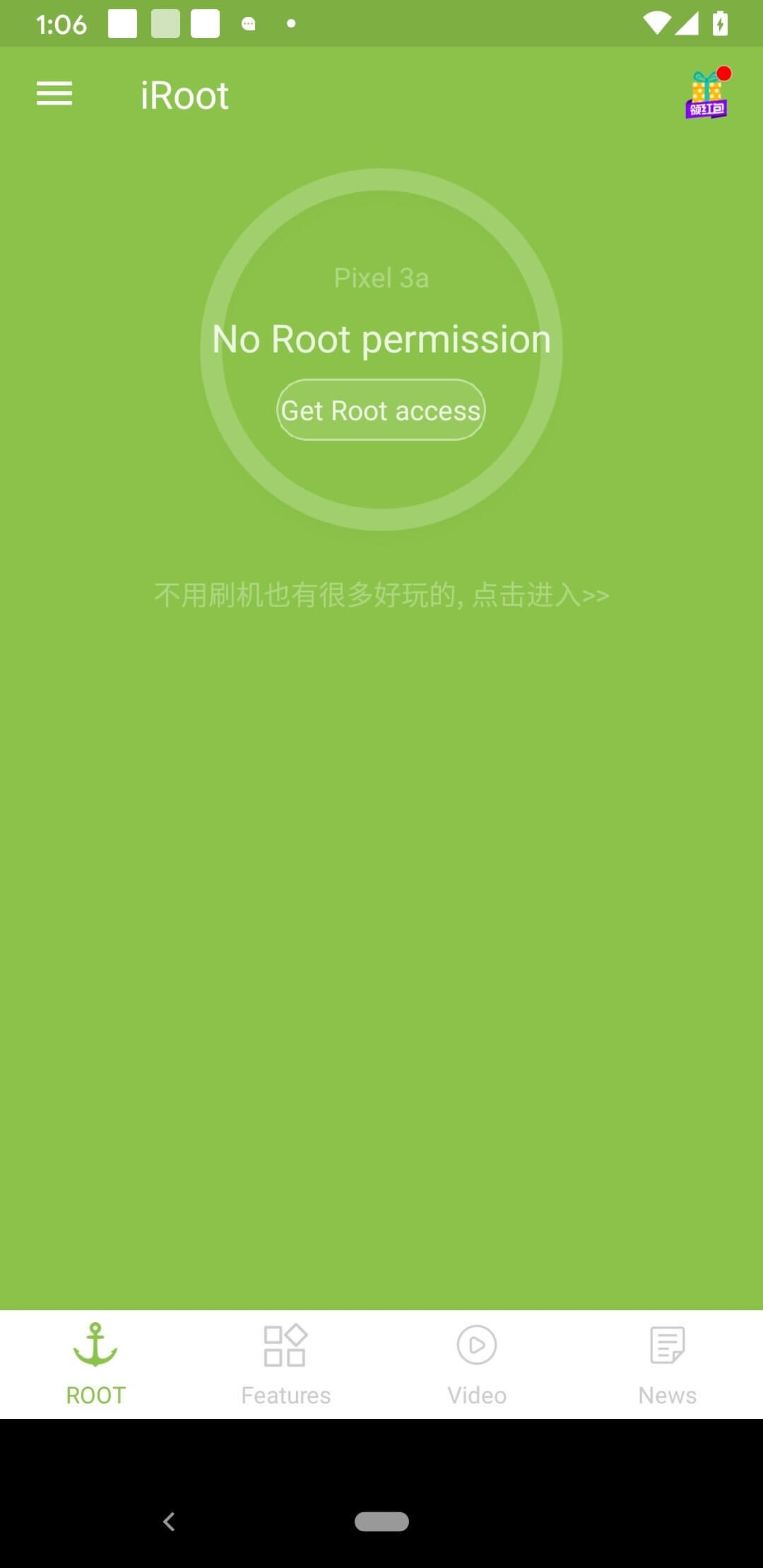


iRoot is a rooting utility for Android devices that aims to give users full system access. By installing iRoot, you can obtain root privileges, allowing you to modify system files, uninstall pre‑installed apps, and run advanced tools that require elevated permissions.
This page provides the latest version information, a quick guide on installing the APK, compatibility notes, and safety considerations. Whether you are new to rooting or looking for an updated build, the details below will help you decide if iRoot fits your needs.
Quick Information
| App/Game Name | iRoot |
| Latest Version | 3.5.3.2075 |
| Developer | Not listed |
| Category | Apps / Tools |
| App Size | 6 MB |
| Package Name | com.mgyun.shua.su |
| Last Updated | 27 April 2026 |
What Is iRoot?
iRoot is designed to simplify the rooting process with a one‑click approach. It targets Android smartphones and tablets, offering a straightforward interface that attempts to gain superuser rights without requiring a custom recovery. The app is suitable for users who want deeper control over their device but should be used with caution, as rooting can void warranties and affect system stability.
Compatibility
Compatibility
| Android Version | Not Verified |
| Architecture (ARM64 / 32-bit) | ✓ Verified — Supports common device architectures |
| Internet Connection | ✓ Verified — May be required for ads, updates, or login |
| Storage Needed | Not Verified |
| OBB/Data Files | Not Verified |
| Root Required | ✓ Verified — This app needs root access |
How to Install
- Enable Unknown sources in Settings > Security (or Settings > Apps & notifications > Special app access > Install unknown apps).
- Download the iRoot APK file to your device.
- Open the downloaded file and tap Install.
- Once installation completes, launch iRoot.
- Follow the on‑screen prompts to start the rooting process. Your device may reboot several times.
- After rooting, you should see a confirmation message and a Superuser app installed.
Troubleshooting
- App not installed: Verify that the APK is compatible with your Android version and that you have allowed installations from unknown sources.
- Root attempt fails or device reboots continuously: The device may not be supported, or a security patch may block the exploit. Try a different rooting tool or check online forums for device‑specific solutions.
- Superuser permissions not granted: Ensure you have granted all required permissions to iRoot and that no other root management app is interfering.
- Device becomes unstable after rooting: Restore a backup if you made one before rooting, or flash the stock firmware to revert to the original state.
Safety & Security
Rooting modifies the core of Android and can expose the system to security risks. Only install iRoot from a trusted source, review the permissions it requests, and avoid granting unnecessary access to sensitive data. Keep in mind that future OTA updates may fail or overwrite the root, requiring you to re‑root the device. Always back up important data before proceeding.
How iRoot Compares
| Feature | iRoot | KingRoot | Magisk | SuperSU |
|---|---|---|---|---|
| Price / Free model | Free (ad‑supported) | Free (ad‑supported) | Free (open‑source) | Free (legacy) |
| Platform availability | Android | Android | Android | Android |
| Standout feature | One‑click root attempt | One‑click root with minimal user interaction | Systemless root, supports modules | Traditional root management via custom recovery |
| Best for | Users seeking a simple, quick root | Devices where other tools fail | Advanced users who want modular tweaks | Older devices with custom recovery already installed |
Alternatives
- KingRoot – Offers a one‑click rooting solution and works on many newer devices, but may include ads.
- Magisk – Provides systemless root, allowing you to hide root status from certain apps and install modules for added functionality.
- SuperSU – A classic root manager that works well with custom recoveries, suitable for devices where newer tools are incompatible.
Final Verdict
iRoot is a straightforward rooting tool that can be useful for users who want a quick attempt at gaining superuser access without flashing custom recoveries. It works on a range of Android devices, but success is not guaranteed, especially on newer, heavily patched firmware. Before installing, verify compatibility, back up your data, and understand the security implications of rooting.
Frequently Asked Questions
iRoot itself is not malicious, but rooting changes system security. Use it only if you understand the risks and download it from a reputable source.
Compatibility varies by device; check the compatibility table on this page for the latest verified Android versions.
Rooting generally voids the manufacturer's warranty, so consider this before proceeding.
No, iRoot aims to root devices without a custom recovery, though success depends on the device and firmware.
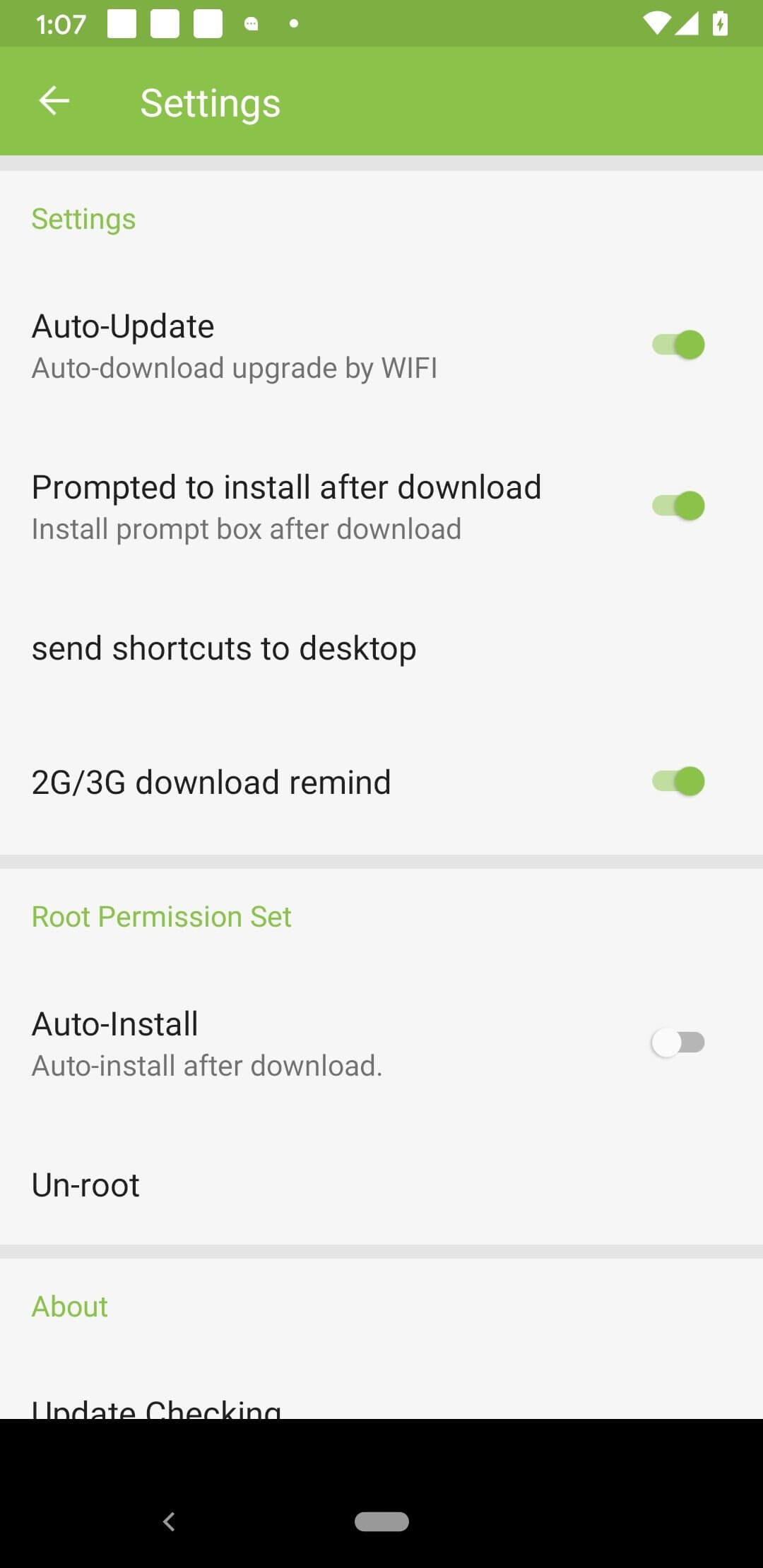
Yes, you can unroot by flashing the stock firmware or using unroot tools, but the process may differ per device.
While rare, any rooting attempt carries a risk of bricking if the process fails; always back up your data first.
You must enable installation from unknown sources and allow iRoot the permissions it requests during the rooting process.
iRoot provides a simple one‑click root, whereas Magisk offers systemless root with module support and more advanced features.